
Managing your business with spreadsheets can lead to manual processes, data errors, and limited visibility. We help businesses transition from Excel and spreadsheets to ERPNext, a centralized and automated ERP platform. Our services include data migration, system setup, process automation, training, and go-live support, ensuring a smooth transition and improved operational efficiency.
Modernize, Optimize, Scale
Transform Spreadsheet Chaos into Streamlined ERP Excellence
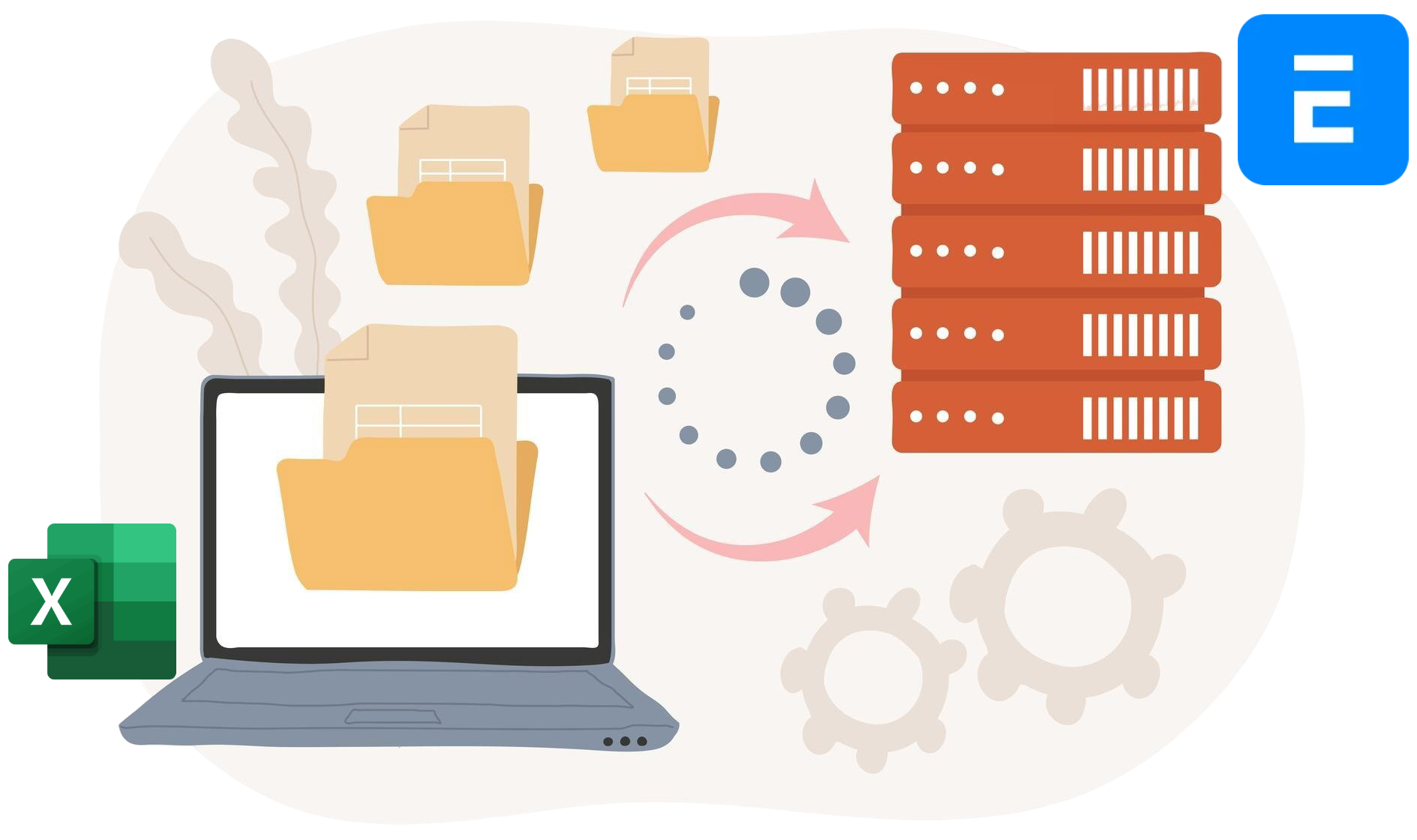
Our Proven Excel to ERPNext Migration Process
Discovery & Requirements Assessment
We begin by understanding how your business currently uses Excel for accounting, inventory, sales, purchasing, HR, reporting, and other operational processes.
Requirements & Migration Planning
Our team reviews your spreadsheets, identifies data structures, dependencies, and reporting requirements, then develops a detailed migration roadmap.
ERPNext Environment Setup
We configure ERPNext based on your business needs, including company settings, modules, user roles, permissions, workflows, and reporting requirements.
Data Cleansing & Preparation
Excel data is reviewed, cleaned, and standardized by removing duplicates, correcting errors, and ensuring consistency before migration.
Data Migration & Validation
Customers, suppliers, products, inventory records, financial data, employee records, and other critical information are mapped and imported into ERPNext.
Customization & Integration
Manual spreadsheet-based processes are converted into automated ERP workflows, helping improve accuracy, efficiency, and visibility across the business.
UAT
Comprehensive testing is conducted to verify data accuracy, reports, workflows, user permissions, and overall system functionality.
Training & Go-Live
We provide practical ERPNext training for your team and support the final rollout to ensure a smooth transition from spreadsheets to ERP.
Post Go-Live Support
After deployment, we provide ongoing support, troubleshooting, process optimization, and system enhancements to maximize the benefits of ERPNext.
Let's Discuss Your ERP Requirements
Ready to streamline operations and unlock the full potential of ERPNext? Share your business requirements with our experts, and we'll provide personalized recommendations and a tailored solution that aligns with your goals. Whether you need implementation, training, or support, we're here to help you find the right path to ERP success.
Spreadsheets or ERPNext
A Side-by-Side Comparison
| wdt_ID | Business Area | Excel | ERPNext |
|---|---|---|---|
| 1 | Data Management | Multiple disconnected spreadsheets with duplicate data | Centralized database with a single source of truth |
| 2 | Security & Access Control | Basic file passwords and shared folders | Role-based permissions, user access controls, and audit trails |
| 3 | Automation | Manual data entry, formulas, and macros | Automated workflows, approvals, notifications, and business processes |
| 4 | Scalability | Becomes difficult to manage as data and users grow | Designed to scale with growing teams, transactions, and operations |
| 5 | Accounting & Finance | Manual bookkeeping and reconciliations | Integrated accounting, invoicing, budgeting, and financial reporting |
| 6 | Customer Relationship Management (CRM) | Customer data spread across spreadsheets | Centralized CRM with lead, opportunity, and customer management |
| 7 | Sales Management | Manual quotation and sales tracking | End-to-end sales lifecycle management |
| 8 | Procurement & Purchasing | Manual supplier and purchase tracking | Automated procurement workflows and supplier management |
| 9 | Inventory Management | Manual stock updates and reconciliations | Real-time inventory tracking across locations |
| 10 | Warehouse Management | Difficult to manage multiple warehouses | Built-in multi-warehouse and stock movement management |
| 11 | Manufacturing & Production | Manual production planning and tracking | MRP, BOMs, production planning, and work order management |
| 12 | Project Management | Spreadsheet-based project tracking | Integrated project planning, costing, and profitability analysis |
| 13 | Human Resources (HR) | Employee data stored in separate files | Centralized employee, attendance, leave, and performance management |
| 14 | Payroll Management | Manual calculations and spreadsheets | Automated payroll processing and payroll reporting |
| 15 | Reporting & Business Intelligence | Reports must be manually updated | Real-time dashboards, KPIs, and business analytics |
Why Businesses Replace Spreadsheets with ERPNext
As businesses grow, managing operations through spreadsheets becomes time-consuming, error-prone, and difficult to scale. ERPNext replaces disconnected Excel files with a centralized system that automates processes, improves data accuracy, and provides real-time visibility across finance, sales, inventory, purchasing, manufacturing, HR, and projects.
Key Advantages of ERPNext
- Single source of truth for all business data
- Automated workflows and approvals
- Real-time reporting and dashboards
- Reduced manual data entry and errors
- Improved collaboration across teams
- Enhanced security and access control
- Scalable platform for business growth
- Integrated management of all core business functions
Bottom Line
Excel is a powerful spreadsheet tool, but it was never designed to manage complex business operations. ERPNext provides a centralized, automated, and scalable ERP platform that helps businesses improve efficiency, eliminate manual processes, and make better decisions with real-time data.
Your all-in-one business management platform
Get real-time visibility across departments from a single system.
Frequently Asked Questions
1. Why should I move from Excel spreadsheets to ERPNext?
While Excel is useful for managing small amounts of data, it becomes difficult to maintain as a business grows. ERPNext centralizes your data, automates workflows, improves accuracy, enhances security, and provides real-time visibility across all business operations.
2. What data can be migrated from Excel into ERPNext?
We can migrate customer records, supplier information, product catalogs, inventory data, financial records, employee information, sales and purchase data, project records, and other business-critical information stored in spreadsheets.
3. Can ERPNext replace all the spreadsheets we currently use?
In most cases, yes. ERPNext provides integrated modules for Accounting, CRM, Sales, Purchasing, Inventory, Manufacturing, Projects, HR, Payroll, and Reporting, eliminating the need for multiple disconnected spreadsheets.
4. How long does an Excel to ERPNext migration take?
The timeline depends on the number of spreadsheets, data quality, business processes, and reporting requirements. After reviewing your current setup, we provide a detailed migration plan and timeline.
5. How do you ensure data accuracy during migration?
We perform data cleansing, validation, standardization, testing, and reconciliation before importing data into ERPNext to ensure accuracy and consistency.
6. Will my team receive ERPNext training?
Yes. We provide practical, role-based training to help your team transition from spreadsheet-based processes to ERPNext with confidence and minimal disruption.
7. What are the biggest benefits of moving from Excel to ERPNext?
Key benefits include centralized data management, automated workflows, stronger security, real-time reporting, reduced manual errors, improved collaboration, and a scalable platform that supports long-term business growth.